
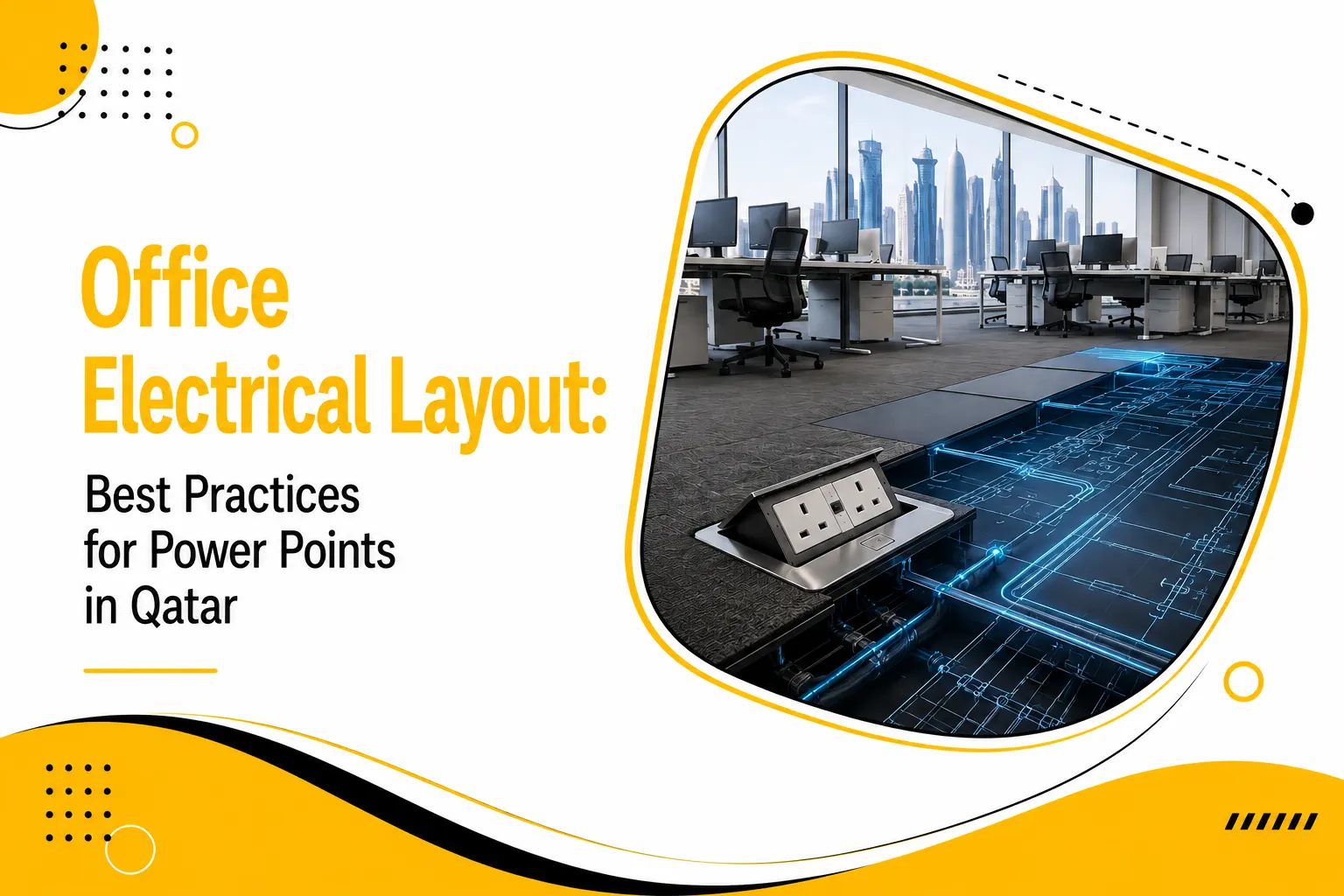
Poor electrical planning costs businesses more than they think. In a fast-paced commercial hub like Doha, a “minor” electrical oversight can lead to hours of downtime, damaged hardware, or worse. According to the Qatar General Electricity & Water Corporation (Kahramaa), electrical faults account for nearly 30% of workplace incidents reported annually in commercial buildings across the Gulf region. Most of these are preventable, and they start at the design stage.
When you’re setting up a new office in West Bay or renovating a space in Lusail, the office electrical layout is one of the first decisions that shapes your daily operations. Get it right, and your team works comfortably, safely, and efficiently. Get it wrong, and you’re dealing with cable clutter, overloaded sockets, and costly retrofits that eat into your 2026 budget.
This guide walks you through what works, specifically for Qatari offices, where the extreme climate, strict construction standards, and high-tech workspace demands create a unique set of requirements.
Understanding Qatar’s Electrical Standards First
Before placing a single socket, you need to understand the regulatory landscape. Qatar follows BS 7671 (IET Wiring Regulations) as the base standard, aligned with Gulf Cooperation Council (GCC) electrical codes. All commercial installations must comply with Kahramaa’s technical regulations. These aren’t just suggestions; they are rigid requirements that specify:
-
- Circuit Protection: Minimum requirements to prevent fires and equipment damage.
-
- Socket Standards: Predominantly UK-style BS 1363 three-pin outlets.
-
- Earthing Protocols: Mandatory earthing and bonding specifications for metal-framed furniture.
-
- Load Limits: Accurate load calculations per square meter for commercial use.
Working with a licensed contractor familiar with Qatari codes isn’t optional; it’s a legal requirement for commercial builds and fit-outs. Beyond legality, it ensures that your office electrical layout can handle the peak electrical loads common during the hotter months.
See Also: Maximize online conversions and streamline your customer checkout with our professional e-commerce solutions in Qatar.
Planning Your Office Electrical Layout: Where to Begin
1. Start With a Desk-by-Desk Power Audit
The most common mistake in electrical layout planning? Designing for today’s equipment only. Think about the evolving tech landscape. In two years, your team might be using triple-monitor setups or high-powered VR workstations. Think about every device that will run from each workstation:
-
- High-performance desktop computers or laptops with docking stations.
-
- Dual-screen setups or ultra-wide monitors.
-
- Fast-charging stations for phones and tablets.
-
- Task lighting and localized air purifiers.
-
- Peripheral accessories; printers, scanners, or desktop shredders.
A single workstation can easily draw 500–800W continuously. Multiply that across 50 desks, add shared equipment, and you’re looking at a serious capacity planning challenge.
2. Map Your Zones Before You Mark Your Walls
Divide the office into electrical zones before anything else. This prevents a single tripped breaker from taking down the entire floor.
-
- Workstation zones: Individual desk power and data connectivity.
-
- Collaboration zones: Meeting rooms and creative breakout areas.
-
- Service zones: The pantry (kettles/microwaves), printing stations, and storage.
-
- Infrastructure zones: Server rooms and comms cabinets that require dedicated cooling and backup power.
Designing for the Ergonomic Workspace
An ergonomic workspace isn’t just about chair height and monitor distance. Electrical positioning plays a direct role in how comfortably and safely your team works throughout the day. If a staff member has to strain their back to reach a plug, the workspace has failed its ergonomic purpose.
Read Also:
- Business Relocation Strategy: Minimizing Downtime IT Setup in Doha
- Chrome vs Brass: Choosing Durable Taps for Hard Water in Doha
- Old Wiring Dangers: When to Rewire Your Villa for Safety in Doha
Desk Layout and Socket Coordination
The relationship between desk design and electrical outlet position is often overlooked. Sit-stand desks; increasingly popular in Doha’s modern office fit-outs; need sockets positioned differently than fixed desks. If someone raises their desk to standing height, a socket at 300mm from the floor becomes a tension point for cables.
For height-adjustable setups, desktop-integrated power modules are the practical answer. They move with the desk, ensuring that the workspace remains functional regardless of the user’s posture. This seamless integration of power and movement is a hallmark of modern design.
Recommended Socket Configurations for Sit-Stand Desks
-
- Integrated Modules: Use desk-mounted power modules with retractable or surface-mounted outlets.
-
- Vertical Channels: Ensure cable management channels run vertically alongside desk uprights to prevent snagging.
-
- Slack Allowance: Leave cable slack of at least 400–500mm for full height travel.
-
- Cable Chains: Use spiral cable wraps or cable chains for trunking along moving parts.
Open Plan vs. Partitioned Offices
Open-plan offices in Qatar are common in the finance and tech sectors. They present specific office electrical layout challenges because you lack perimeter walls.
-
- Raised Floors: Utilizing floor box outlets is flexible but requires careful planning to avoid trip hazards.
-
- Overhead Drops: Power drops from the ceiling are great for industrial-style offices but require neat “power poles” to look professional.
-
- Modular Furniture: Choosing furniture with built-in power tracks allows you to “daisy-chain” desks together safely without messy cords.
Power Socket Placement: The Practical Approach
Height and Position Rules That Actually Work
Power socket placement is where physics meets daily convenience. In Qatar’s commercial environments, these are the standard “Goldilocks” positions:
-
- Desktop-level sockets: 900–1050mm from finished floor level (just above desk height). This is the best placement for laptops and chargers that are frequently moved.
-
- Under-desk sockets: 300–450mm from the floor. Use these for CPU towers or monitors that stay plugged in for months.
-
- Floor boxes: Flush-mounted, recessed units for open-plan areas. Ensure these are “heavy-duty” to withstand floor cleaning equipment.
How Many Sockets Per Workstation?
Under-specifying is a chronic problem in older Qatar office builds. A modern, future-proof electrical layout should provide:
-
- Minimum 4 socket outlets per workstation (dedicated circuit where possible).
-
- At least 2 data points (Cat6 or Cat7) alongside power.
-
- USB-C charging ports built into desktop units; this eliminates the clutter of bulky adapters.
-
- Separate circuits for high-draw equipment like laser printers or industrial coffee machines.
Don’t rely on extension leads. They are a compliance risk and a major fire hazard, especially in Qatar’s summer months when the electrical load on building AC systems is already at its peak. High ambient heat means that overloaded power strips are significantly more likely to fail or ignite.
Cable Management Tips for a Cleaner Office
Effective cable management tips start at the design stage, not after the furniture has arrived. When cables are managed correctly, you reduce heat buildup and eliminate the “rat’s nest” look that ruins office aesthetics.
Routing Strategies That Keep Things Tidy
Cables running across floors are a trip hazard and make your office look unprofessional.
-
- Skirting trunking: Along perimeter walls to keep wires off the floor.
-
- Cable trays: Hidden in ceiling voids or under raised floors.
-
- Desk-integrated spine channels: To keep workstation cables organized from the floor to the desk surface.
-
- Vertical cable managers: Specifically for server and comms racks to ensure airflow isn’t blocked.
Separation of Power and Data Cabling
This is a technical requirement that many ignore. Power cables generate electromagnetic interference (EMI) that can slow down your internet and degrade data signals. Qatar’s high-tech offices need physical separation:
-
- Maintain at least 200mm separation between power and data cable runs.
-
- Use separate trunking or conduit wherever parallel runs are unavoidable.
-
- Never bundle power and ethernet cables together with zip ties.
Special Considerations for Qatar’s Climate and Construction
Thermal Load Planning
Qatar’s climate demands more from electrical systems than European or North American environments. With summer temperatures exceeding 45°C, heat gain affects even internal electrical cabinets. For your office electrical layout , this means:
-
- Derating: Derate cable ampacity by 10–15% in areas with poor ventilation.
-
- External Walls: Avoid placing recessed sockets in external-facing walls without proper thermal breaks to prevent condensation.
-
- Moisture Control: Specify higher IP-rated outlets in areas near AC vents where moisture might accumulate.
Coordination with Fit-Out Timelines
Fit-out projects in Doha run on tight deadlines. The most successful office electrical layout projects coordinate the “rough-in” work before the false ceilings and partitions are closed. If you decide you need more outlet options after the walls are painted, the cost of the project will skyrocket. Engage your electrical experts during the concept stage, not after the furniture is already being delivered.
Meeting Rooms and Collaboration Spaces
Power Planning Beyond the Desk
Meeting rooms are often the most under-planned areas. A modern Qatar boardroom needs more than just a wall plug. To stay competitive, consider:
- Table Boxes: Floor or table boxes with integrated HDMI, USB-C, and power.
- Dedicated AV Circuits: Use separate circuits for AV systems to prevent screen “flicker” when other appliances kick in.
- Ceiling Access: Ceiling-mounted power points for wireless projectors or 360-degree cameras.
- Visitor Density: Sufficient socket placement for visitor seating;ideally one outlet per seat.
In Qatar’s corporate culture, the boardroom is a high-visibility space. Visible cable chaos during a client presentation reflects poorly on your professional standards. Building the right infrastructure eliminates that risk and portrays an image of technical excellence and organization.
Supporting Better Office Electrical Layouts in Qatar
Adonai Solutions has been a cornerstone for businesses across Qatar, helping them plan and implement professional office electrical layout strategies that meet Kahramaa standards. Their team brings hands-on experience with commercial fit-outs across Doha’s major business districts, from the skyscrapers of West Bay to the specialised facilities in the Industrial Area.
Whether you’re moving into a new shell-and-core space or upgrading your current setup, Adonai Solutions provides the technical expertise needed to get it right the first time. They handle everything from initial load calculations and zoning plans to professional installation and final testing. Their deep understanding of the local market ensures your office remains compliant and efficient.
Common Office Electrical Layout Mistakes to Avoid
Even the most experienced facility managers can make errors. Watch out for these common pitfalls in your office electrical layout :
- Blocked Sockets: Placing sockets directly behind a heavy filing cabinet or a permanent partition.
- Zero Scalability: Ignoring future growth. You should always build in 20–30% spare capacity in your distribution boards from day one.
- Residential Hardware: Using cheap, consumer-grade power strips in a high-demand commercial environment.
- Shared Circuits: Putting the office coffee machine and the main server on the same circuit;this is a recipe for a “nuisance trip.”
- Unlabelled Boards: Failing to label which breaker controls which zone, making maintenance a nightmare.
Future-Proofing Your Qatar Office
A well-executed office electrical layout is invisible, and that’s exactly the goal. When power is exactly where people need it and when the design supports movement, the office simply functions better. In Qatar’s competitive commercial real estate market, the quality of your fit-out determines your long-term operational costs.
The planning decisions you make today regarding your infrastructure will determine if your office stays functional for the next decade or requires expensive repairs by next summer. By focusing on a robust office electrical layout , you ensure your business is ready for the technical demands of 2026 and beyond.
Get your layout right from the start. Your team and your facilities budget will thank you for it. By partnering with experts who understand the unique electrical demands of the Qatari market, you can ensure a safe, efficient, and compliant office environment that fosters productivity and growth.
Need a Professional Office Electrical Layout in Qatar?
Optimize power point placement, improve safety, and support future growth. Contact our experts today for a customized office electrical layout solution.
Frequently Asked Questions
What are the key components of an office electrical plan?
A comprehensive office electrical layout integrates several vital elements to ensure operational efficiency. It includes the main distribution board, circuit breakers, data cabling, and lighting controls. Furthermore, it must map out the exact coordinates for floor boxes and wall outlets to support hardware. For a seamless setup that blends technical precision with durability, Adonai Solutions provides expert design services that ensure your infrastructure is scalable and meets all modern commercial requirements.
What are the primary safety standards to follow when planning an office electrical distribution system?
Safety is paramount, requiring strict adherence to KAHRAMAA regulations and international IEC standards. The plan must include Ground Fault Circuit Interrupters (GFCI), proper earthing, and fire-rated cabling to prevent electrical hazards. Regular load testing is also essential to avoid overheating. To guarantee your facility is fully compliant and safe for employees, Adonai Solutions offers professional auditing and installation services, ensuring every connection meets the highest safety benchmarks in the region.
How do regional climate factors impact the selection of electrical components and insulation?
In high-heat environments like the Middle East, electrical components must withstand extreme ambient temperatures. High-grade PVC or XLPE insulation is used to prevent melting or degradation. Cooling for server rooms and ventilated housing for transformers are also critical to prevent thermal tripping. Adonai Solutions specializes in climate-resilient installations, using premium materials specifically designed to maintain peak performance despite the humidity and intense heat characteristic of the local climate.
What is an ergonomic workspace?
An ergonomic workspace is an environment designed to support the natural posture of the human body, reducing physical strain and fatigue. Beyond just adjustable chairs, it involves the strategic arrangement of tools;such as monitor height and keyboard depth;to prevent repetitive strain injuries. A well-planned workspace ensures that technology serves the user comfortably, fostering long-term health and increasing overall productivity by minimizing the physical distractions caused by discomfort or poor alignment.
How to Design an Ergonomic Workspace
Designing. Proper power socket placement is a major factor, as it allows users to connect devices without awkward bending or stretching. Desks should be at elbow height, and monitors should stay at eye level. By integrating accessible power modules and adjustable furniture, you create a fluid environment where movement is encouraged and the physical stresses of a standard eight-hour workday are significantly mitigated.
What are Common cable management mistakes?
One of the most frequent errors is “daisy-chaining” multiple power strips, which creates a fire risk and cluttered floors. Neglecting cable management tips like using under-desk trays or vertical spines often leads to tangled wires that trap dust and cause trip hazards. Additionally, over-tightening plastic zip ties can damage sensitive data cables. Avoid these pitfalls by using reusable Velcro straps and ensuring there is enough slack for height-adjustable desks to move freely.